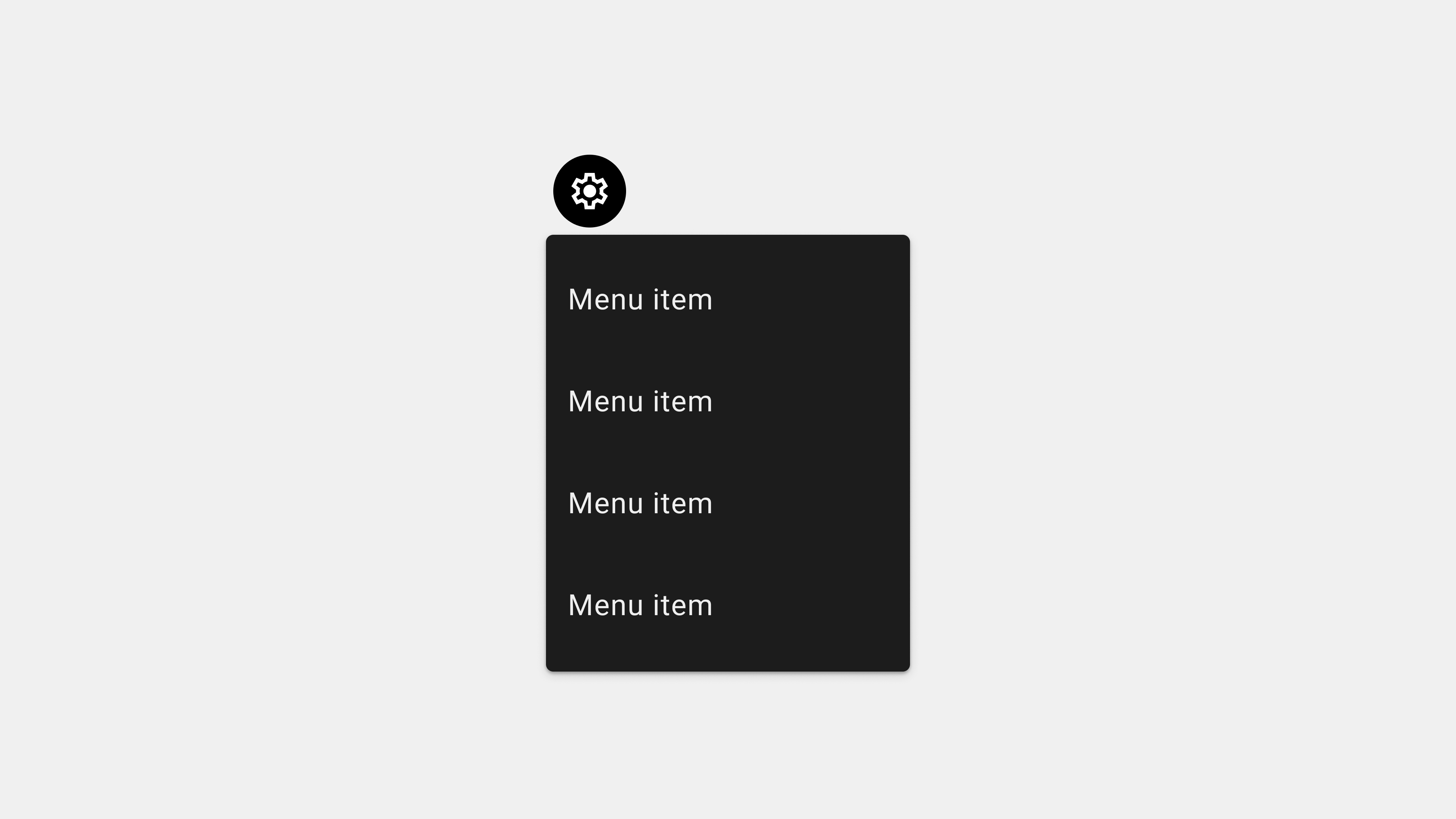
Comprehensive Wrap-Up: Crafting Effective Menus in UI/UX Design
Menus are one of the most critical components of any digital interface, functioning as the gateway to navigation, content, and interaction. From structuring information to enhancing usability, well-designed menus can significantly improve the user experience. This article consolidates key insights from all aspects of menu design, including their types, functions, UX writing, development, and QA testing, to provide a holistic understanding of menu implementation in UI/UX design.
1. Understanding Menus in UI/UX
Menus are structured lists of options or commands that guide users through an application or website. They serve as the backbone of navigation and task execution.
Roles and Importance
- Navigation: Provide pathways to different sections of an app or website.
- Task Execution: Enable users to perform specific actions, such as editing or saving.
- Organization: Structure content logically for easier access.
Key Characteristics
- Clarity: Users should immediately understand the purpose of each menu item.
- Consistency: Menus should behave and appear uniformly across platforms.
- Accessibility: Inclusive design ensures menus are usable for all users.
2. Types of Menus
Menus come in various forms, each serving unique purposes based on the application’s needs and user behavior.
Common Types
- Navigation Menus: Horizontal, vertical, and hamburger menus for navigating sections.
- Dropdown Menus: Expandable menus for hierarchical navigation.
- Contextual Menus: Dynamic menus based on user actions.
- Mega Menus: Large menus for content-rich websites.
- Command Menus: Task-specific menus in productivity tools.
Choosing the Right Type
Selecting the appropriate menu type depends on the app’s complexity, user needs, and the amount of content. For example, a mega menu suits e-commerce sites, while a bottom navigation bar works best for mobile apps.
3. Designing User-Centric Menus
Designing menus with a focus on user needs ensures that they are intuitive and effective.
Key Considerations
- Simplicity: Limit menu options to essential items to avoid overwhelming users.
- Accessibility: Ensure menus are navigable with keyboards and screen readers.
- Responsiveness: Design menus that adapt seamlessly to different screen sizes.
- Interactivity: Provide visual feedback through hover effects, active states, and smooth transitions.
- Customization: Allow users to personalize menu content where applicable.
UX Writing for Menus
- Clarity: Use short, descriptive labels that align with user expectations.
- Consistency: Maintain uniform terminology throughout the interface.
- Testing: Validate label effectiveness with real users.
4. Publishing and Development Considerations
The development phase is crucial for ensuring menus are functional, responsive, and scalable.
Best Practices
- Cross-Platform Compatibility: Test menus across devices, browsers, and operating systems.
- Performance Optimization: Use lazy loading and minimize dependencies for faster menu interactions.
- Scalability: Implement modular and reusable code to accommodate future updates.
Key Development Tools
- Figma: For prototyping menu layouts.
- React or Vue: For building dynamic, component-based menus.
- BrowserStack: For cross-platform testing.
5. QA Testing for Menus
QA testing ensures that menus function as intended and deliver a consistent user experience.
Critical Areas to Test
- Functional Testing: Verify all links, dropdowns, and submenus work correctly.
- Accessibility Testing: Check compatibility with assistive technologies and keyboard navigation.
- Performance Testing: Simulate high traffic and low-resource scenarios.
- Cross-Platform Testing: Ensure menus behave consistently across devices and browsers.
- Edge Case Testing: Validate dynamic content, offline behavior, and error handling.
Tools for QA
- Selenium: For automated functional testing.
- Axe Accessibility Checker: For accessibility audits.
- JMeter: For performance testing under simulated load conditions.
6. Common Challenges and Solutions
Challenge 1: Overcrowded Menus
Solution: Prioritize essential items and group secondary options into submenus.
Challenge 2: Ambiguous Labels
Solution: Use familiar, descriptive terms and test labels with users.
Challenge 3: Poor Accessibility
Solution: Incorporate ARIA attributes, keyboard navigation, and high-contrast design.
Challenge 4: Inconsistent Behavior
Solution: Maintain uniform functionality and appearance across all pages and devices.
7. The Future of Menu Design
Emerging technologies and user expectations are shaping new trends in menu design.
Key Trends
- Gesture-Based Navigation: Incorporating swipes and gestures in place of traditional taps or clicks.
- AI-Powered Personalization: Dynamic menus that adapt to user behavior and preferences.
- AR/VR Integration: Menus designed for immersive interfaces in augmented and virtual reality applications.
Conclusion
Menus are far more than simple navigation tools—they are integral to the overall user experience. By understanding their roles, types, and functions, and by applying best practices in design, development, and QA, teams can create menus that enhance usability, accessibility, and satisfaction. As technology evolves, staying ahead of trends and user needs will ensure menus continue to be effective and user-friendly.
답글 남기기